Medication List Builder
Create Your Medication List
Fill out this form to generate a complete, up-to-date medication list for your health records. Include prescriptions, supplements, and traditional medicines for maximum safety.
Your Medication List
Important Notes
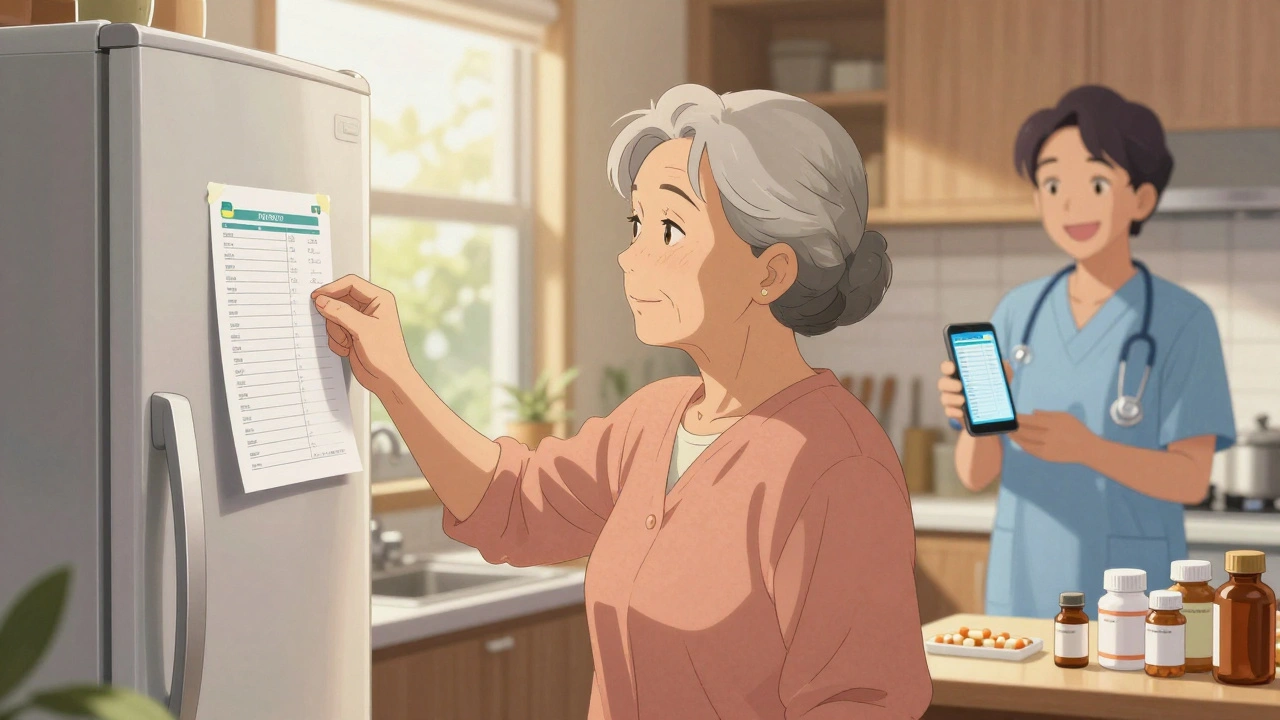
Remember to update this list whenever your medications change. Include all supplements, herbs, and traditional medicines. Keep a copy in your wallet, purse, and fridge for emergencies.
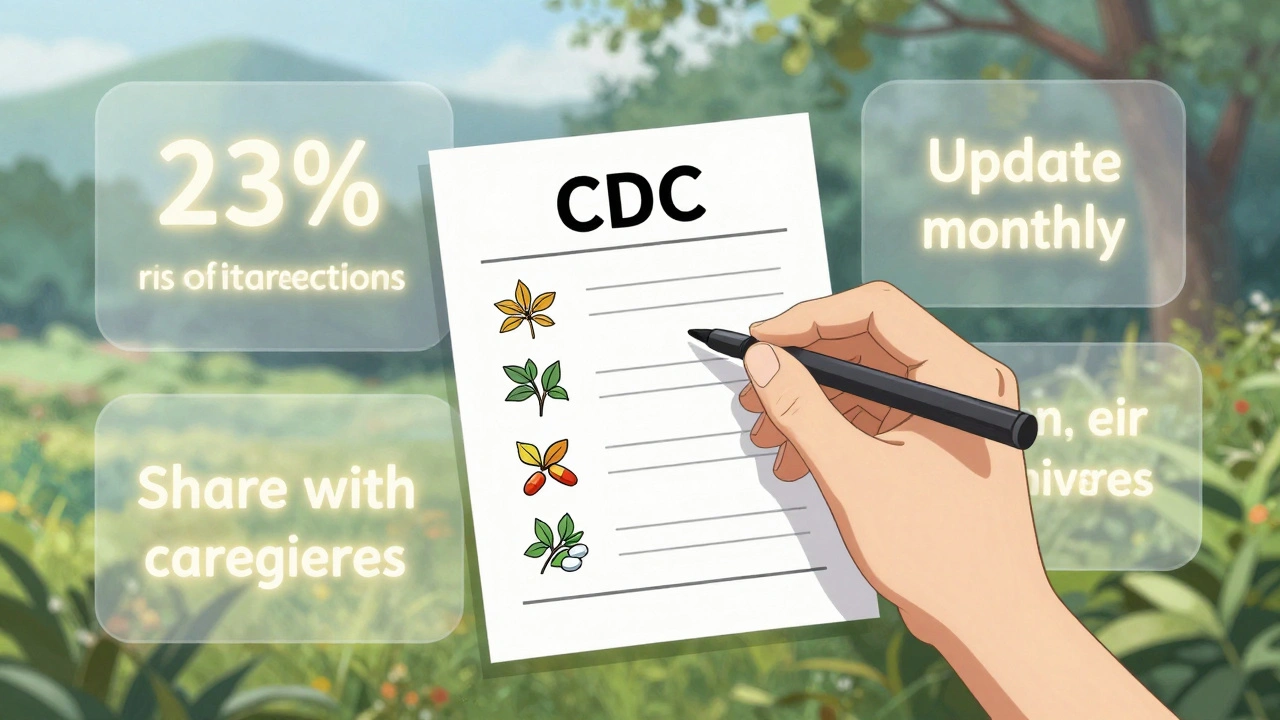
According to the CDC, 23% of adults experience dangerous interactions between prescription drugs and supplements. Your list helps prevent these risks.
Keeping track of your medications isn’t just a good idea-it’s a lifesaver. Every year in the U.S. alone, over 1.3 million emergency room visits happen because of medication errors. Many of these could be avoided with a simple, up-to-date list of everything you take. Whether you’re managing prescriptions, over-the-counter pills, vitamins, supplements, or even traditional medicines, having a clear record helps doctors, pharmacists, and emergency responders make faster, safer decisions.
Why a Medication List Matters
Think about this: you’re rushed, maybe in pain, or your mind is foggy from illness. A doctor asks, “What meds are you on?” and you try to remember. You forget one. You mix up the dose. That’s when things go wrong. A 2022 study found that 67% of ER patients couldn’t accurately list their medications. That’s not just inconvenient-it’s dangerous. A good medication list cuts through the confusion. It tells your care team exactly what you’re taking, when, and why. It helps avoid harmful drug interactions. It prevents duplicate prescriptions. And in an emergency, it can be the difference between life and death. One caregiver on Reddit shared how her mom’s printed list, kept on the fridge, helped paramedics avoid a deadly interaction with blood thinners after a stroke. That’s not a rare story-it’s common among people managing multiple drugs.What Should Be on Your Medication List
Not all templates are created equal. The best ones don’t just ask for drug names-they give you space to capture the full picture. Here’s what you need to include:- Medication name (brand and generic if different)
- Dosage (e.g., 10 mg, 500 mg)
- Frequency (e.g., once daily, twice a week)
- Purpose (e.g., “for high blood pressure,” “for joint pain”)
- Prescribing doctor
- Pharmacy name
- Start date (when you began taking it)
- Allergies or side effects (e.g., “rash from penicillin,” “dizziness from lisinopril”)
- Supplements and herbs (many people forget these, but they interact with prescriptions)
- Traditional or cultural medicines (important for Indigenous communities and others who use herbal remedies)
- Notes (e.g., “take with food,” “don’t drink alcohol with this”)
Printable vs. Digital: Which One Works Better?
You’ve got two main choices: printed copies or digital tools. Both have strengths-and weaknesses.Printable Templates
Printable templates are simple. You download a PDF, print it out, and fill it in by hand. You can keep one in your purse, one in your wallet, one taped to the fridge, and give copies to family or caregivers. Pros:- No tech needed-works even without power or internet
- Easy for older adults or those uncomfortable with phones
- Quick to show in an emergency
- Hard to update-most people stop updating them after a few months
- Can get lost, damaged, or outdated
- No automatic reminders
Digital Templates
Digital versions live on your phone, tablet, or computer. They’re usually editable PDFs or Word docs you can fill out on screen. Some even let you scan a barcode from your pill bottle. Pros:- Easy to update-change it in minutes
- Can be backed up in the cloud
- Can be shared instantly via email or text
- Some now include QR codes for quick access
- Requires a device and basic tech skills
- Privacy risk if stored unsecured (a 2023 breach exposed 12,000 users’ lists)
- Not always accessible if your phone dies or you’re away from it

Best Free Templates Available
Not all free templates are equal. Here are the top options based on structure, usability, and expert backing:1. Family Caregivers Online Template
This one stands out because it offers both PDF (printable) and Word (editable) versions. You can type directly into the Word file, save it, and email it to your doctor. It also includes clear instructions: “Keep a copy with your caregiver at all times,” and “Take a photo and store it on your phone.” That’s practical advice most templates skip.2. CDC’s My Medications List
Created for tribal communities, this template is simple and inclusive. It specifically asks for traditional cultural medicines-something few others do. It’s designed for low-literacy users, with clear icons and plain language. Great for anyone who wants a no-frills, reliable list.3. PrintFriendly Medication List
This template has nine detailed fields, including allergies, physician name, and notes. It’s one of the most comprehensive free options. But it’s not editable online-you have to print it to fill it out. That’s a downside if you’re updating often.4. ASCP Foundation Template
Backed by the American Society of Consultant Pharmacists, this is the gold standard for professional use. Hospitals and clinics often use it. It’s clean, well-organized, and trusted by healthcare providers. But it’s not optimized for mobile use, and it doesn’t have a fillable digital version-just a PDF you print and write on.5. SingleCare Caregiver Checklist
If you’re helping someone else manage meds, this is the one to use. It includes checkboxes for “Is this taken?” and “Any side effects?” It’s designed for caregivers and has a 4.7/5 rating from over 300 users. But some older adults find the layout too busy. Keep it simple if your person isn’t tech-savvy.6. SimpleNursing Drug Cards
These are tiny, flashcard-style templates. Great for students or people who want to learn how each drug works. But they include fields like “mechanism of action” and “nursing considerations”-way too technical for most patients. Use these if you’re a nurse or caregiver studying meds, not for daily tracking.
How to Use Your Template (Step by Step)
Getting started is easier than you think. Follow these steps:
- Gather everything. Open your medicine cabinet. Pull out all pill bottles, supplement boxes, and cream tubes. Don’t forget the ones you only take once a week.
- Fill in your list. Use one of the templates above. Write down the name, dose, and reason for each. If you’re unsure what something is for, call your pharmacy-they’ll tell you.
- Include supplements and herbs. Even if your doctor didn’t prescribe them, they matter. Turmeric, fish oil, St. John’s wort-they all interact.
- Update it every time something changes. New prescription? Cross out the old one. Stopped a pill? Write “discontinued” and the date. Set a monthly calendar reminder.
- Share it. Give a copy to your primary doctor, pharmacist, and a trusted family member. Keep one in your car and one taped to your fridge.
- Take a photo. Save a digital copy on your phone. Use your camera roll or a secure note app. That way, you always have access-even if your printed copy is lost.
Common Mistakes to Avoid
Even with a great template, people mess up. Here’s what not to do:
- Don’t skip supplements. They’re not “just vitamins.” They can cause serious reactions.
- Don’t wait until your appointment to update it. Your list should be current before you walk in.
- Don’t use a template with more than 10 fields. A 2024 study found that templates with too many boxes had 57% lower update rates among older adults. Simpler is better.
- Don’t rely on memory. Even if you’ve been on the same meds for years, things change. Your body changes. Your doctor changes your plan. Your list needs to change too.
What’s Next? The Future of Medication Lists
The future isn’t just paper or PDFs. It’s integration. The FDA’s 2024 Digital Health Plan is pushing for medication lists to connect directly with electronic health records. By 2026, experts predict 75% of people will use smartphone apps to manage their meds-not printed sheets.
Apps like Medisafe and Round Health can sync with your pharmacy, send reminders, and even alert you to interactions. But they cost money-and they need internet. Free templates still win for simplicity, accessibility, and reliability.
For now, the best strategy is a hybrid: use a printable template as your backup, and a digital version (like a Word doc or photo on your phone) as your active copy. That way, you’re covered whether you’re at home, in the car, or in the ER.
Final Tip: Make It a Habit
Medication lists aren’t one-time tasks. They’re habits. Treat them like brushing your teeth. Every month, spend five minutes checking it. Add new meds. Cross out old ones. Update the date.
The goal isn’t perfection. It’s consistency. Even a slightly outdated list is better than no list at all. But the more current it is, the safer you are.
Start today. Download one of the templates above. Fill it out. Print it. Save it. Share it. That one step could save your life-or someone else’s.
What’s the best free medication list template?
The Family Caregivers Online template is the most practical for most people. It offers both printable PDF and editable Word versions, includes space for supplements and traditional medicines, and gives clear instructions on where to store copies. For those in Indigenous communities, the CDC’s template is the most culturally inclusive.
Should I use a printable or digital medication list?
Use both. Keep a printed copy in your wallet, purse, and on your fridge for emergencies. Keep a digital copy on your phone as your active, up-to-date version. Digital is easier to update; printed is reliable when tech fails. This dual approach covers all bases.
Do I need to include vitamins and supplements?
Yes. About 23% of adults experience dangerous interactions between prescription drugs and supplements. Things like fish oil, St. John’s wort, or even high-dose vitamin D can interfere with blood thinners, heart meds, and antidepressants. If you take it, list it.
How often should I update my medication list?
Update it every time your meds change-whether you start, stop, or change the dose. At minimum, review it every month. Set a recurring reminder on your phone for the first day of each month. Even if nothing changed, check the list and update the date.
Can I use a smartphone app instead of a template?
Yes, apps like Medisafe and Round Health are great for reminders and syncing with pharmacies. But they require internet, cost money, and won’t work if your phone dies. Use them as a supplement-not a replacement-for a simple, printable backup. Always have a paper copy you can hand to an EMT.
What if I can’t read or write well?
Ask your pharmacist to help you. Many pharmacies offer free medication reviews and can print a simple list for you. You can also use a voice memo app to record your meds, then play it back when needed. Or ask a family member to fill out the template for you and keep it updated.
Is it safe to store my medication list on my phone?
Yes, if you use a secure app or password-protected note. Avoid storing it in an unsecured cloud folder or email. A photo saved in your phone’s gallery is fine-just make sure your phone is locked with a passcode. The risk of a breach is low if you take basic security steps.
What should I do if I’m traveling?
Always carry your printed list in your wallet or purse. Take a screenshot of your digital list and save it offline on your phone. If you’re crossing borders, bring a copy in English-even if you’re visiting a non-English-speaking country. Emergency responders in most countries recognize medication lists, even if they can’t read your language.







Write a comment
Your email address will be restricted to us